

Proof of Humanity Tutorial: Transferring a Profile
Proof of Humanity 2.0 operates on Ethereum Mainnet and Gnosis Chain. A profile can only be active on one chain at a time, but you can transfer it between chains.Transfer Steps
1
Initiate the transfer
Navigate to your profile page and select the Transfer button.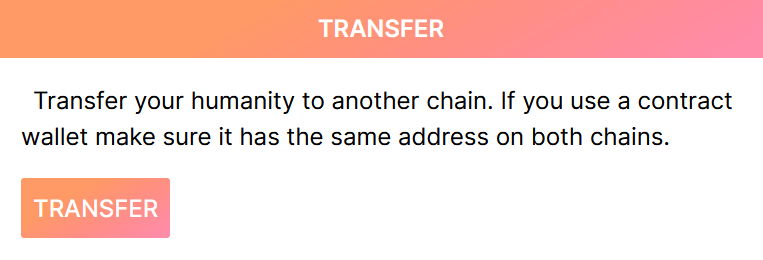
2
Confirm the transfer request
A confirmation prompt appears asking you to verify the transfer action. Confirm the transaction.
3
Switch networks
After the transaction confirms, your profile status becomes Pending Update. Connect your wallet to the destination chain, visit your profile, and click Update state.
4
Relay the state update
Select Relay State Update from the prompt and confirm the transaction on the new chain.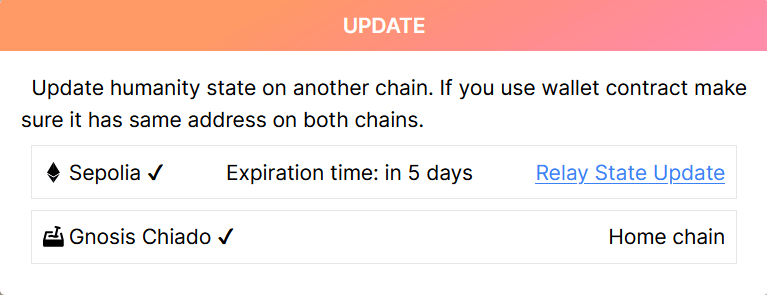
5
Completion
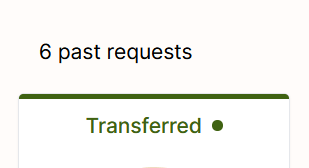
Once validated, your current profile request shows as Resolved Claim with the new network’s icon. The previous request status changes to Transferred.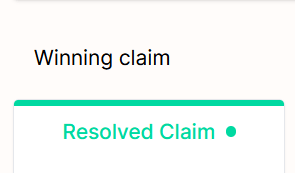
What’s Next?
Register & Vouch Tutorial
Register your profile on Proof of Humanity
Remove & Challenge Tutorial
Challenge or remove profiles