

Proof of Humanity Tutorial: Remove & Challenge
This tutorial covers challenging profiles, removing profiles, and resubmitting profiles in the Proof of Humanity 2.0 registry. For registering and vouching, see the Register & Vouch tutorial.Challenge a Claim
1
Browse and check profiles
Visit the PoH app and filter for In Review or Removal Proposed profiles using the right-side filter. Click individual profiles to verify compliance with the PoH guidelines. Look for deepfakes, inappropriate content, or guideline violations.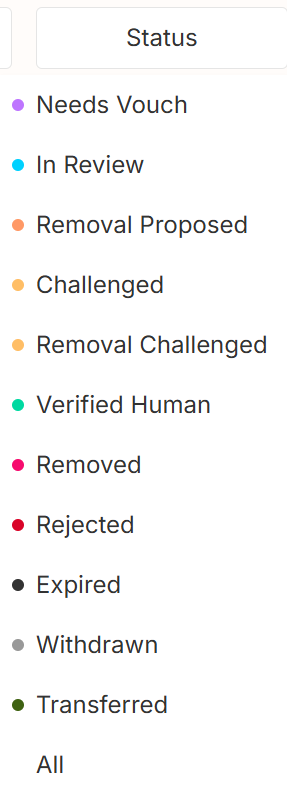

- Deepware.ai
- Sensity.ai
- Voice recognition software for computer-generated audio
2
Submit a challenge
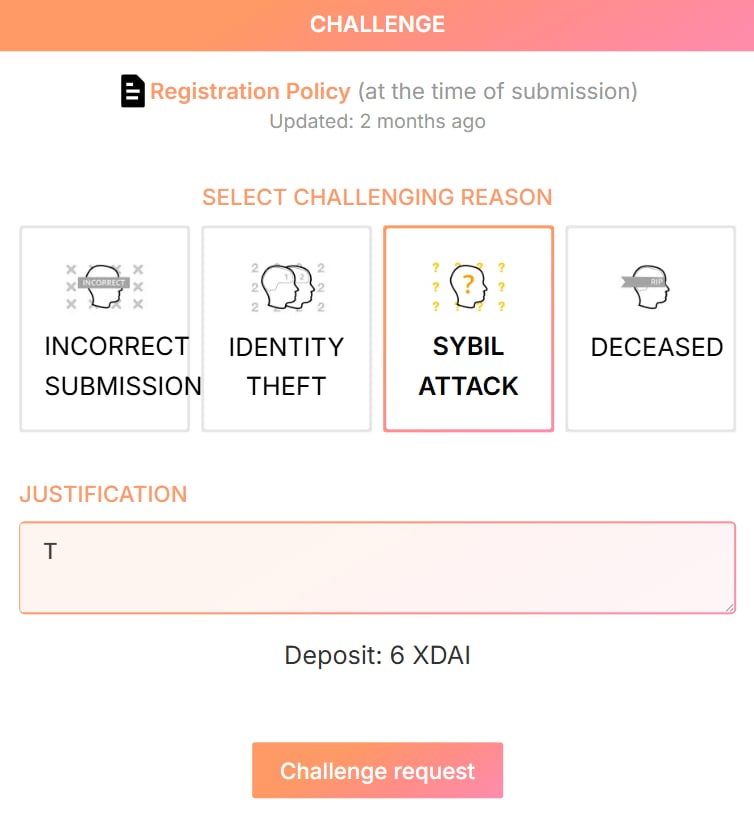
- Click the orange Challenge button at the top right of the profile
- Select the violation reason and provide a justification
- Click Challenge request and send the transaction

3
Follow the dispute
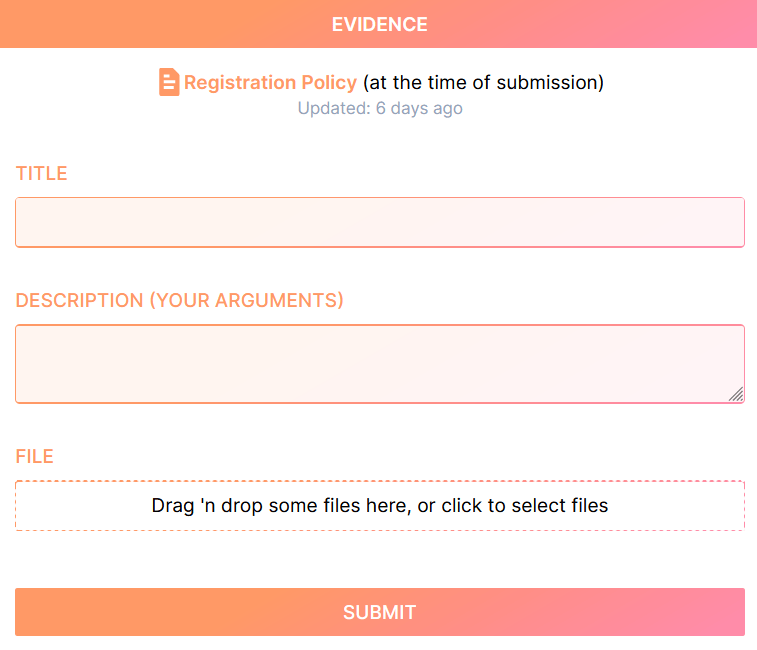
The challenge enters Kleros Court for jury voting. Submit evidence from the bottom of the profile page and monitor progress over 5-7 days. Appeal options are available if you disagree with the ruling.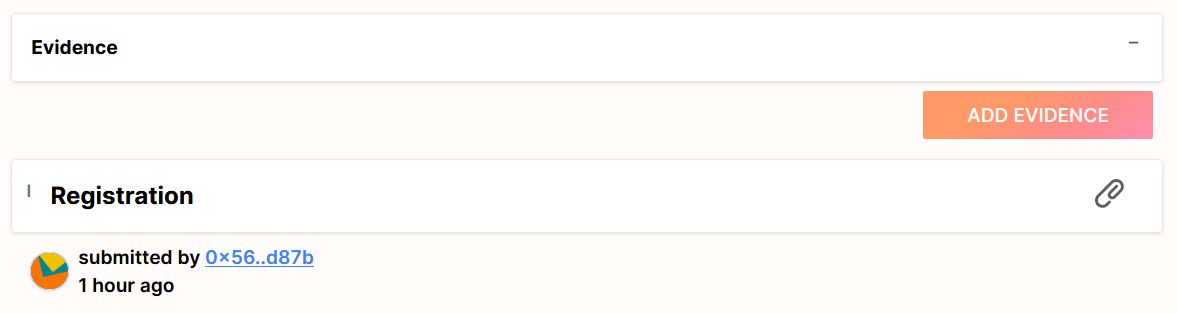
Remove a Profile
Remove your own profile (Needs Vouch status)
Click the Withdraw button on your profile page to recover your deposit.
Remove registered or Verified Human profiles
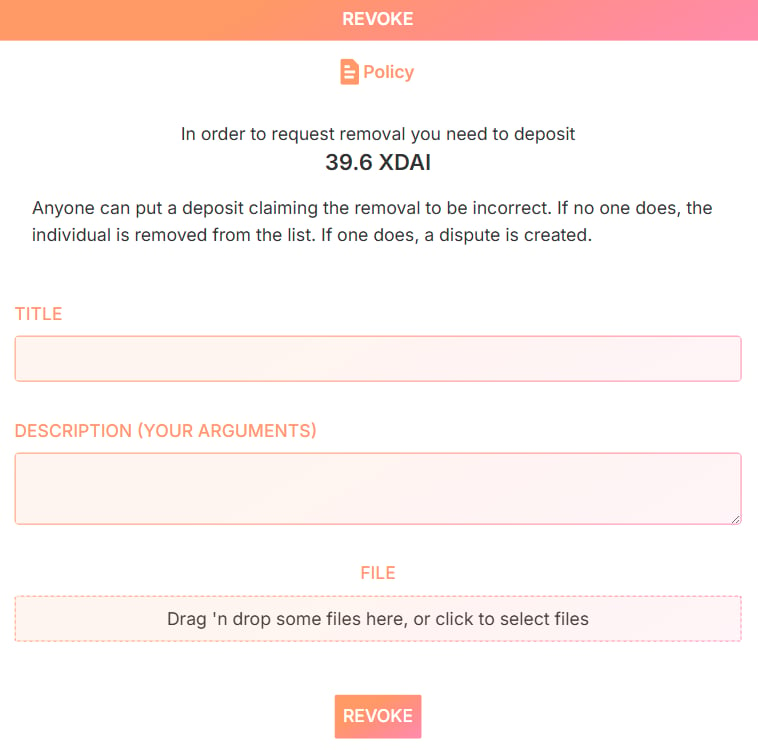
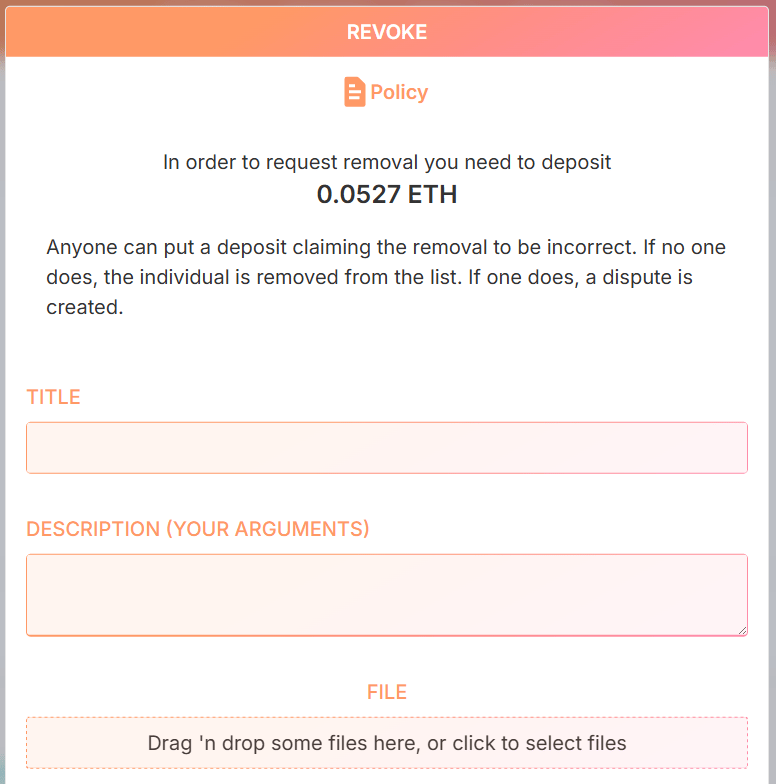
- Open the profile and click Revoke
- Lock a deposit (reimbursed if the removal succeeds)
- Optionally submit evidence supporting the revocation
- Self-removal from the same address: name it “Self-removal of submission” and confirm your submitter status via the address.
- Self-removal from a different address: name it “Self-removal of submission” and include a video recording stating: “I want to revoke my own submission from the Proof of Humanity registry”.
- Malicious submission removal: name it “Removal of deepfake submission” and include deepfake analysis reports as evidence.
Remove in-review profiles
Use the challenge process described above.Resubmit a Profile
From a new address
- Ensure the old profile shows Revoked status (check
https://v2.poh.id/PoHID) - Remove it if necessary using the steps above
- Connect the new address and submit a fresh profile
From the same address
- Verify the old profile is Revoked
- Remove it if needed
- Click the Resubmit Profile button at the bottom left of the profile
Reapply an expired or expiring profile
Profiles expire two years after registration. Reapply to prove your continued existence and control of the address.
What’s Next?
Register & Vouch Tutorial
Register your own profile on Proof of Humanity
Proof of Humanity Product Page
Learn how the registry works