> ## Documentation Index
> Fetch the complete documentation index at: https://kleros.mintlify.site/llms.txt
> Use this file to discover all available pages before exploring further.
# PoH: Remove & Challenge
> Challenge non-compliant Proof of Humanity 2.0 profiles, initiate profile removal, follow the Kleros Court dispute, and resubmit rejected humanity claims.
# Proof of Humanity Tutorial: Remove & Challenge
This tutorial covers challenging profiles, removing profiles, and resubmitting profiles in the Proof of Humanity 2.0 registry.
For registering and vouching, see the [Register & Vouch tutorial](/tutorials/poh-register-and-vouch).
***
## Challenge a Claim
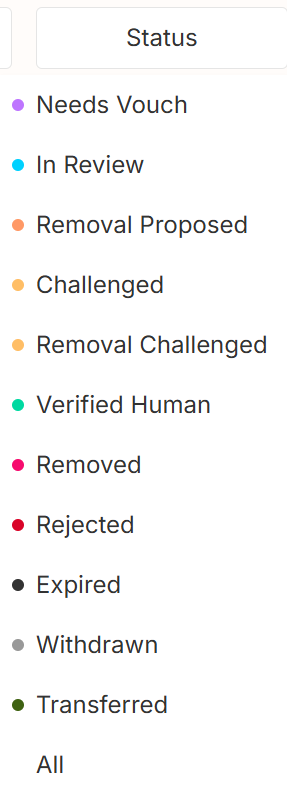
Visit the [PoH app](https://v2.poh.id/) and filter for **In Review** or **Removal Proposed** profiles using the right-side filter. Click individual profiles to verify compliance with the PoH guidelines. Look for deepfakes, inappropriate content, or guideline violations.
 Detection tools that can help:
* [Deepware.ai](https://deepware.ai)
* [Sensity.ai](https://sensity.ai)
* Voice recognition software for computer-generated audio
1. Click the orange **Challenge** button at the top right of the profile
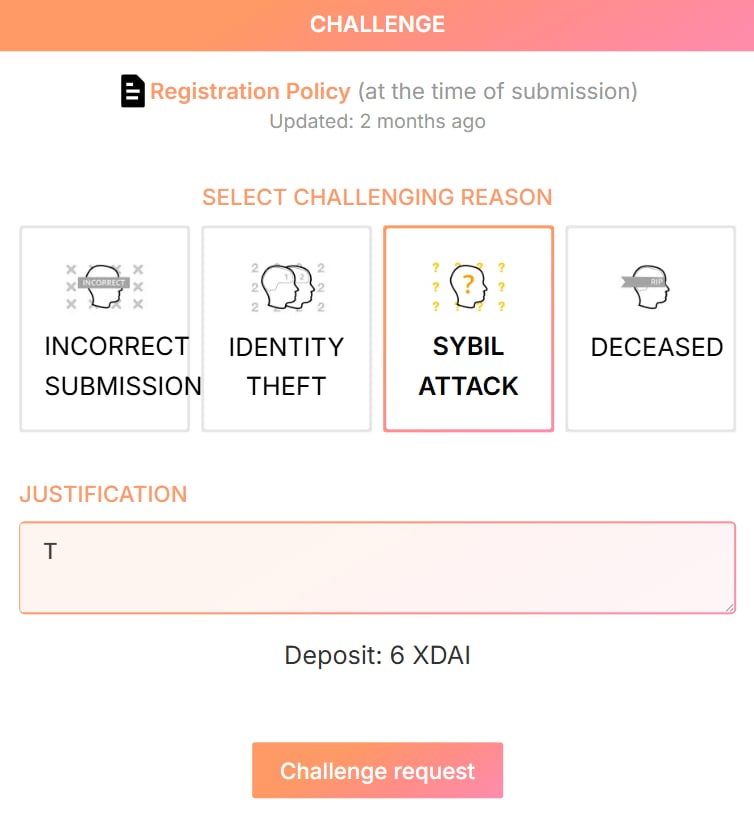
2. Select the violation reason and provide a justification
3. Click **Challenge request** and send the transaction
The challenger deposit is a locked amount of ETH or xDAI that deters frivolous challenges. A successful challenge returns your deposit plus the submitter's deposit (minus arbitration fees). A failed challenge forfeits your deposit.
Detection tools that can help:
* [Deepware.ai](https://deepware.ai)
* [Sensity.ai](https://sensity.ai)
* Voice recognition software for computer-generated audio
1. Click the orange **Challenge** button at the top right of the profile
2. Select the violation reason and provide a justification
3. Click **Challenge request** and send the transaction
The challenger deposit is a locked amount of ETH or xDAI that deters frivolous challenges. A successful challenge returns your deposit plus the submitter's deposit (minus arbitration fees). A failed challenge forfeits your deposit.
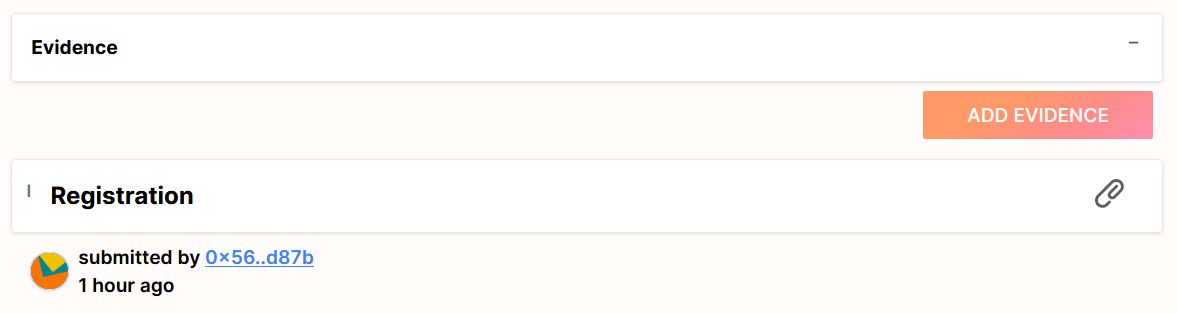
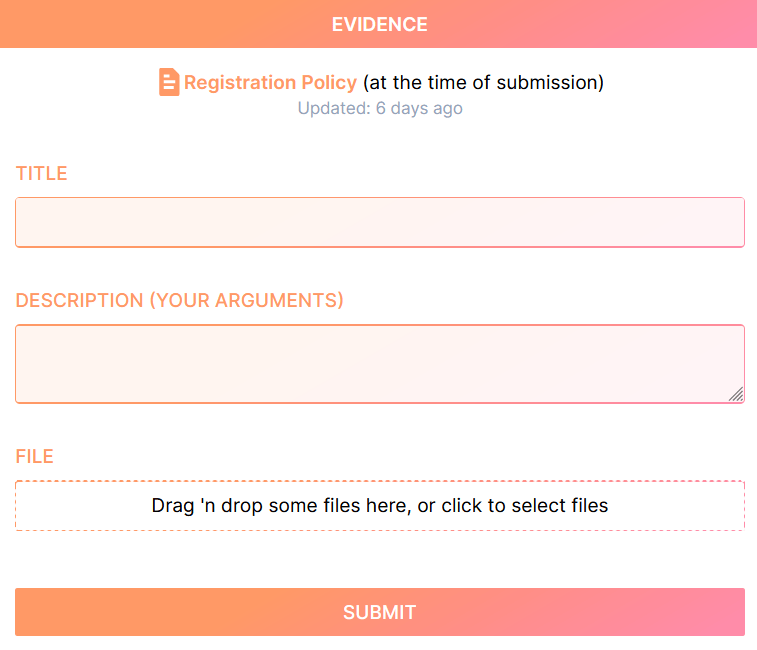
 The challenge enters [Kleros Court](/court/overview) for jury voting. Submit evidence from the bottom of the profile page and monitor progress over 5-7 days. Appeal options are available if you disagree with the ruling.
 ***
## Remove a Profile
### Remove your own profile (Needs Vouch status)
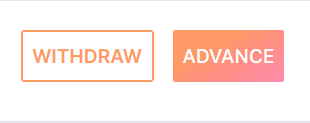
Click the **Withdraw** button on your profile page to recover your deposit.
***
## Remove a Profile
### Remove your own profile (Needs Vouch status)
Click the **Withdraw** button on your profile page to recover your deposit.
 ### Remove registered or Verified Human profiles
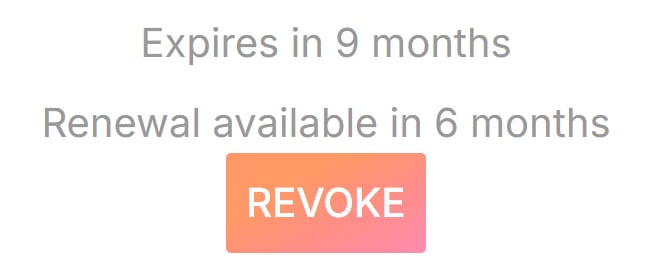
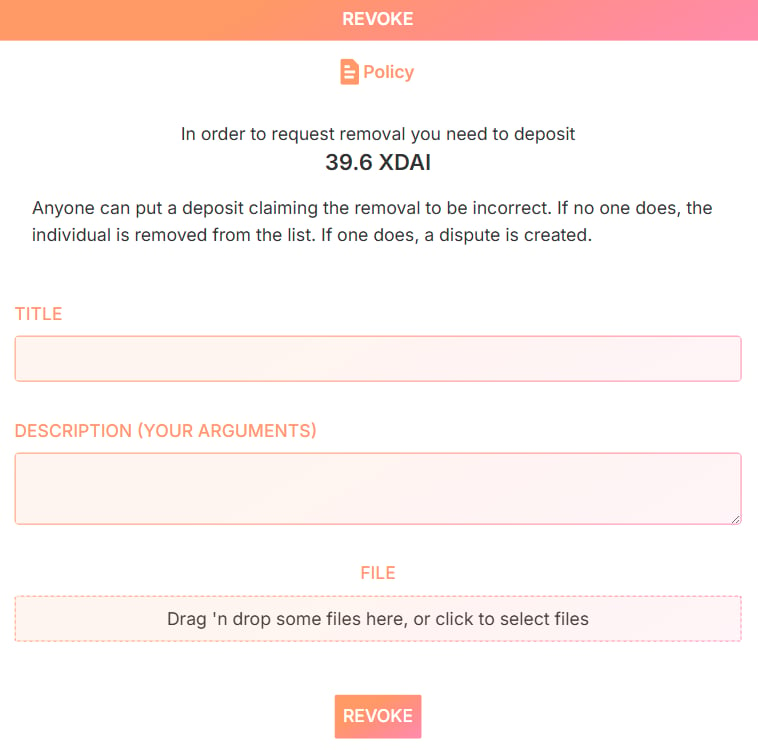
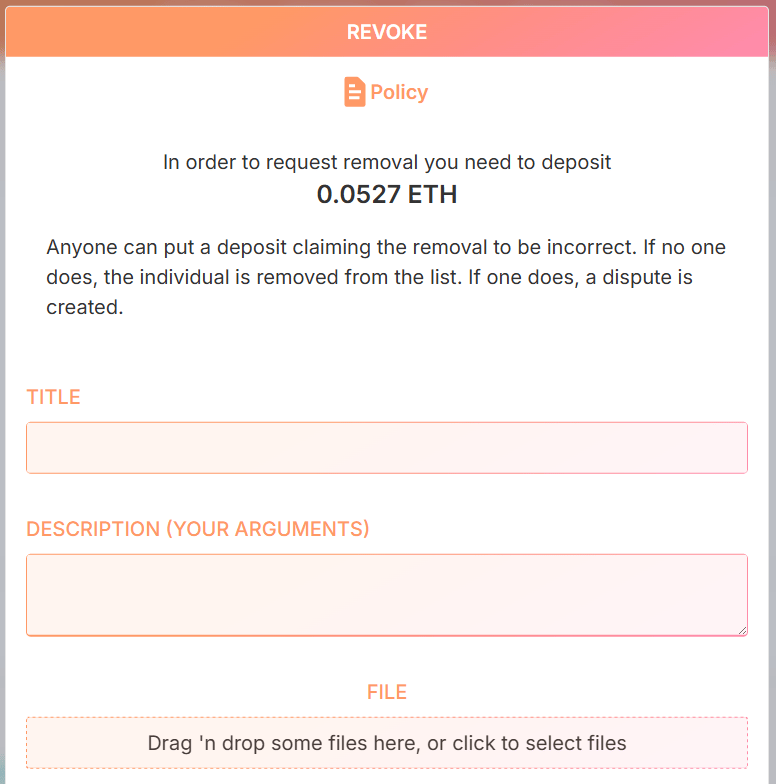
1. Open the profile and click **Revoke**
2. Lock a deposit (reimbursed if the removal succeeds)
3. Optionally submit evidence supporting the revocation
### Remove registered or Verified Human profiles
1. Open the profile and click **Revoke**
2. Lock a deposit (reimbursed if the removal succeeds)
3. Optionally submit evidence supporting the revocation
 Example evidence submissions:
* **Self-removal from the same address**: name it "Self-removal of submission" and confirm your submitter status via the address.
* **Self-removal from a different address**: name it "Self-removal of submission" and include a video recording stating: "I want to revoke my own submission from the Proof of Humanity registry".
* **Malicious submission removal**: name it "Removal of deepfake submission" and include deepfake analysis reports as evidence.
Example evidence submissions:
* **Self-removal from the same address**: name it "Self-removal of submission" and confirm your submitter status via the address.
* **Self-removal from a different address**: name it "Self-removal of submission" and include a video recording stating: "I want to revoke my own submission from the Proof of Humanity registry".
* **Malicious submission removal**: name it "Removal of deepfake submission" and include deepfake analysis reports as evidence.
 ### Remove in-review profiles
Use the challenge process described above.
***
## Resubmit a Profile
### From a new address
1. Ensure the old profile shows **Revoked** status (check `https://v2.poh.id/PoHID`)
2. Remove it if necessary using the steps above
3. Connect the new address and submit a fresh profile
### Remove in-review profiles
Use the challenge process described above.
***
## Resubmit a Profile
### From a new address
1. Ensure the old profile shows **Revoked** status (check `https://v2.poh.id/PoHID`)
2. Remove it if necessary using the steps above
3. Connect the new address and submit a fresh profile
 ### From the same address
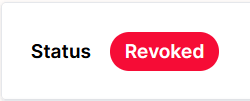
1. Verify the old profile is **Revoked**
2. Remove it if needed
3. Click the **Resubmit Profile** button at the bottom left of the profile
### Reapply an expired or expiring profile
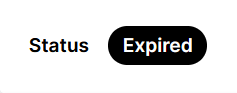
Profiles expire two years after registration. Reapply to prove your continued existence and control of the address.
### From the same address
1. Verify the old profile is **Revoked**
2. Remove it if needed
3. Click the **Resubmit Profile** button at the bottom left of the profile
### Reapply an expired or expiring profile
Profiles expire two years after registration. Reapply to prove your continued existence and control of the address.
 ***
## What's Next?
Register your own profile on Proof of Humanity
Learn how the registry works
***
## What's Next?
Register your own profile on Proof of Humanity
Learn how the registry works